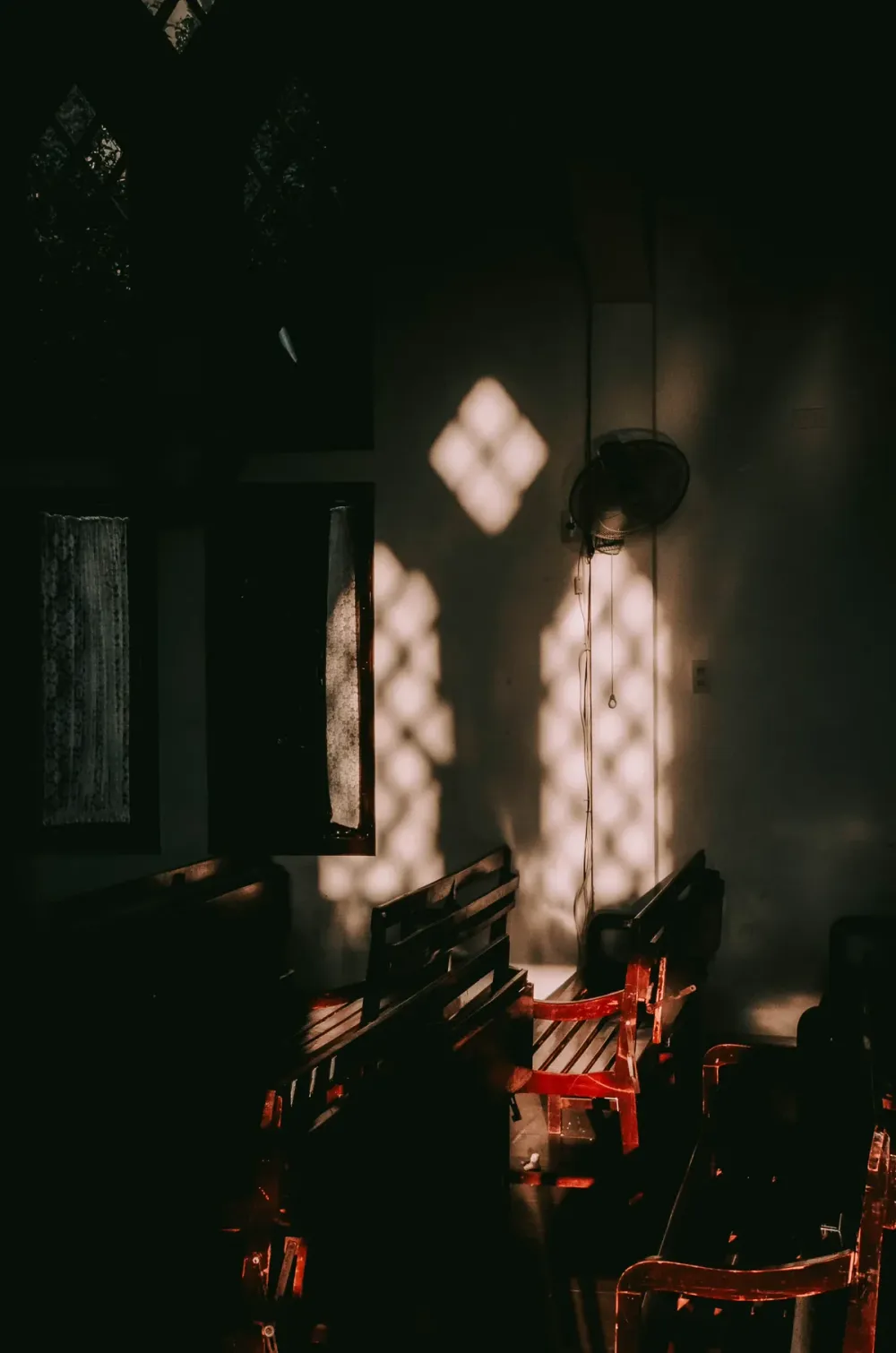
Open any indie film photographer's Instagram and you'll notice it — the border around the image. A thin black strip with tiny yellow text reading KODAK GOLD 200. Sprocket holes punched evenly down both sides. A frame number in the corner. It's the signature of a roll of 35mm film. And in 2026, it's also completely fakeable in a browser.
Why people add a fake film border
It's not deception. Everyone knows you shot it on your phone.
A film border functions the same way as a polaroid frame, just with more swagger. It says: I'm treating this image as something. The border is shorthand. It tells the viewer to read the photo with a bit more intention, the way you'd read a portrait in a magazine instead of glancing at a thumbnail.
And it works. A vacation photo with a Kodak Gold border immediately looks like a curated moment. The same photo, raw, looks like a phone screenshot. Same pixels. Different read.
The three classics
Kodak Gold 200 — warm and yellow
The bestselling consumer film stock of all time. Kodak Gold 200 has a warm, golden cast — slightly oversaturated reds, glowing skin tones, a forgiving exposure latitude that means even your bad shots come out looking nostalgic.
The border: matte black backing with a distinctive yellow text label printed along the bottom edge. KODAK GOLD 200 in a slightly condensed sans-serif. A frame number on the opposite end — usually something like → 23A, where the arrow indicates which side of the perforation the frame falls on.
Fuji Superia 400 — cool and green
Fuji's color science runs cooler than Kodak's. Where Kodak Gold pushes warm, Fuji Superia pushes green and cyan. It's the look people are chasing when they say a photo "looks like Wong Kar-wai" — that gentle cyan in the shadows, that hint of chlorophyll in the highlights.
The border: similar matte black, but with green text instead of yellow.FUJICOLOR SUPERIA 400. Same sprocket holes. Same frame number convention.
Ilford HP5 Plus 400 — black and white
The standard for documentary photography since 1976. Ilford HP5 is the film stock you see in Magnum photo books — high contrast, deep blacks, beautiful skin tones rendered in grayscale.
The border: nearly identical structure to Kodak and Fuji, but with white text on black. ILFORD HP5 PLUS 400. Without the color cast, the border itself does even more work — it's the only thing signaling that this isn't just a desaturated phone photo.
What makes a fake border feel real
Three details matter more than people realize:
- Sprocket holes need rhythm. Real film has mechanically spaced perforations. If you fake them too few, too large, or unevenly, the brain notices immediately. A 35mm frame has roughly 8 sprocket holes visible per side.
- The label needs the right typeface. Kodak uses a custom condensed sans. Fuji uses a slightly different weight. Ilford uses something close to Helvetica Bold. Generic Arial breaks the spell.
- The frame number adds the truth. A real roll has 24 or 36 exposures. The arrow notation (→ 17A) is from the negative cutter's marking. Without this small detail, the border looks decorative. With it, the border looks like a film negative someone scanned.
How to add one without a darkroom
You don't need film stock, a scanner, or Photoshop. Drop any photo into PixMojo's Film Border Maker. Pick Kodak Gold, Fuji Superia, Ilford B&W, or a clean 35mm cinematic widescreen. The sprocket holes, label, and frame number are baked in with the right typography, spacing, and contrast — so the output reads as a scanned negative, not a clipart border.
Combine it with a vintage filter or a date stamp and the photo will confuse half your audience about which decade it was taken in. That's the goal.
The one rule
Don't fake a film border on every photo. The border is shorthand for "this image was chosen." Put it on too many and the shorthand stops working — every photo becomes a curated moment, which means none of them are.
Save the border for the photo that earned it. The light that made you stop walking. The stranger who looked back. The morning where everything in the frame felt like it belonged.
That photo, with a Kodak Gold border, is a different photo. Same pixels. Different read.