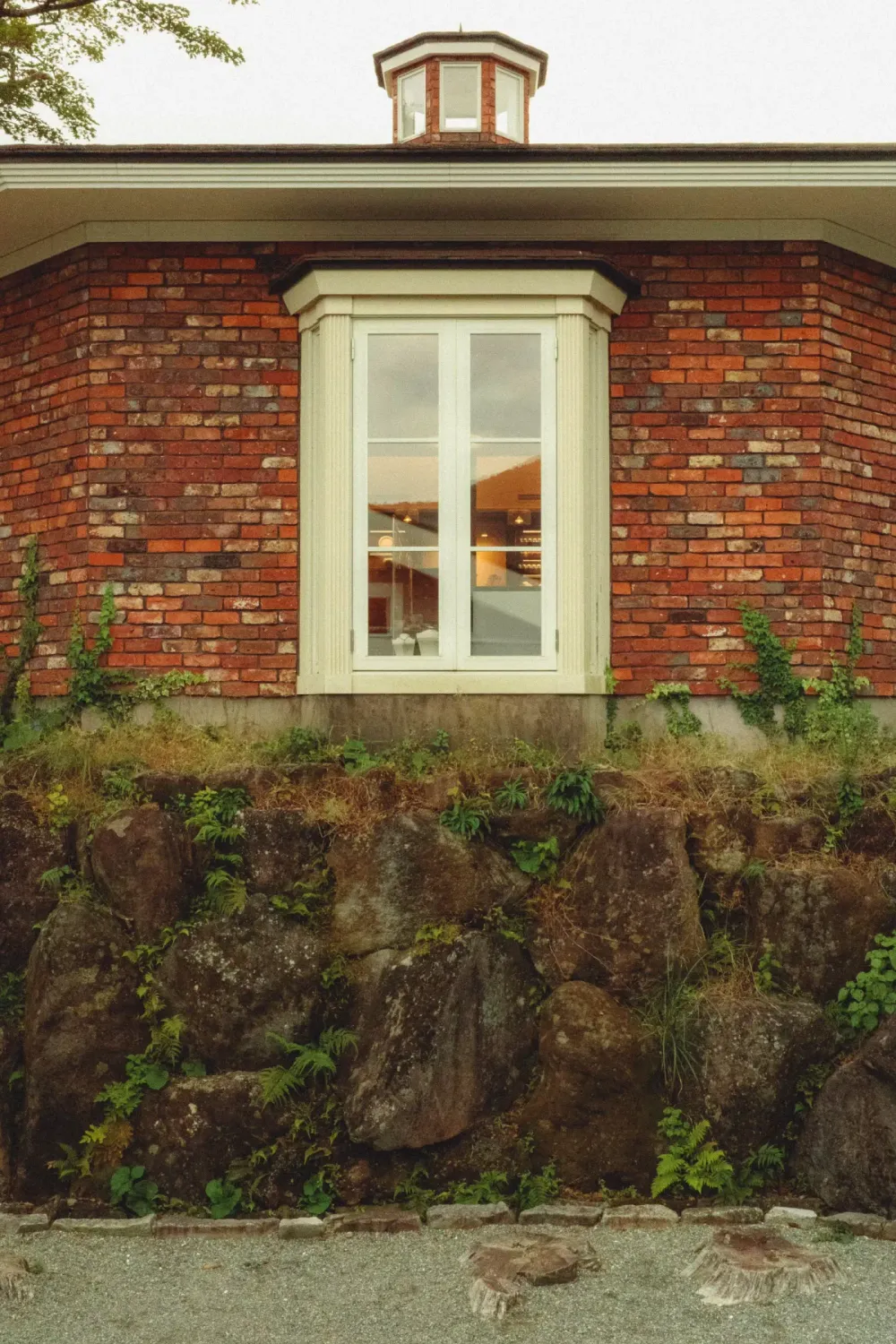
Architectural Digest publishes thousands of room photos a year. Almost all of them look expensive. But the rooms themselves aren't always more beautiful than what's in your own apartment — what's different is the color grade. Here's the formula.
The three editorial choices
1. Warm neutral cast
Cream-stone tones, never orange or yellow. The cast is calm, considered, expensive-feeling without screaming. A pinch of warmth makes wood read wood and stone read stone, without overcorrecting anything.
2. Deeper shadows than reality
Real rooms in real light are visually flat. AD's grade pushes shadows deeper, which adds architectural drama. Rooms that look plain in person become dimensional on paper.
3. Considered contrast
Contrast is pushed (around 1.2x) so materials read as material. Stone reads stone. Wood reads wood. Marble has depth. The contrast is what separates AD from a real-estate listing photo of the same room.
Why this matters for any indoor photo
Most indoor phone photos look worse than the room actually feels — phones expose for windows or ceilings, washing material out. The AD grade reverses the loss: shadows return, contrast restores, materials breathe.
A regular kitchen becomes an editorial kitchen. A rental living room becomes a magazine living room. The room didn't change. The grade did.
Why this aesthetic outsells trends
AD has used variations of this grade for 30+ years across every interior trend (mid-century, maximalism, Japandi, Quiet Luxury). The grade is generational — trends come and go, but warm neutrals + deep shadows + considered contrast always reads expensive.
The shortcut
PixMojo's AD Interior tool offers four surface presets — Stone, Wood, Marble, Terrazzo — each tuned to the material it's named after. Drop a room or still-life photo, pick a surface, download. Browser only.